

Cloud DVR up to 400 Hours
Monthly fee includes 100 hours. $5 for each additional 100 hours.
Streams on up to 5 TV’s or Devices
Basic Service starts with 2 screens.
Supports your Favorite Hardware
Apple TV® and Amazon Fire TV Stick®
Not sure what services are right for you?
We’re happy to help you choose.
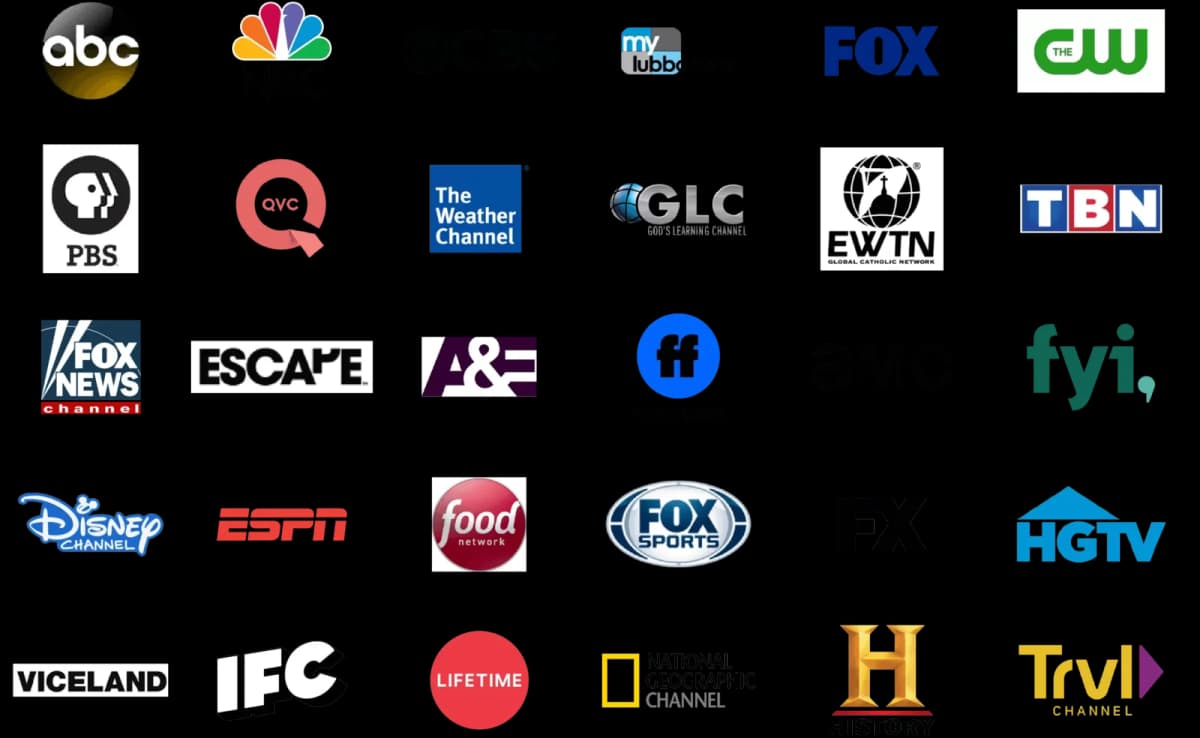
Local Channels and the TV You Enjoy
Watch local stations for weather and news alongside your favorite entertainment. Explore AWTV and ask our local team about the current channel lineup, supported devices, and options for bundling TV with internet.
No Contracts
We never require contracts.
No Credit Checks
We don’t do this either.
Local Service
You'll always be talking to someone that knows your area.
Bundle Internet, TV and Phone
Explore your service combination with our local team.
Areas We Serve
UNLIMITED DATA. NO CONTRACTS. NO CREDIT CHECKS.
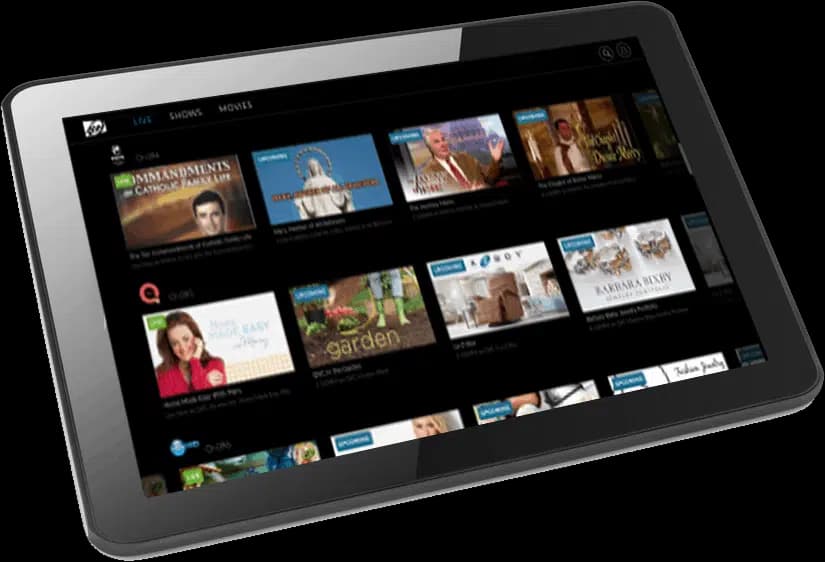
Watch On Your Favorite Supported Devices
Not only can you view AWTV on our set-top box, but you can also experience it through your favorite supported devices including Amazon Fire TV Stick® and Apple TV®.
Choose the Channels and Devices You Need
Basic · $93/month
Includes local channels and more than 40 HD channels. Sales tax is not included; confirm the channels in your package.
View the Channel LineupExpanded Basic · $108/month
Includes local and expanded channels, with more than 80 HD channels. Sales tax is not included.
Discuss Your PackageWatch on supported devices
Use AW’s set-top box or supported Apple TV and Amazon Fire TV devices. Follow our setup guide for your selected hardware.
Set Up AWTVThe residential TV page lists two screens with basic service and additional devices up to five at $7 per device per month. DVR starts at $10 per month for 100 hours, plus $5 for each additional 100 hours, up to 400 hours. FCC and local sales taxes also apply. Confirm device and add-on terms with your package.
A Few Questions, Answered.
Where can I see the channel lineup?
See the full AWTV channel lineup, sortable by channel or name and grouped by package, then ask our team to confirm the package available for your address. If there are particular local stations or programs you want, check that they are included before choosing your television service.
How do I set up AWTV?
Start with our AWTV Getting Started guide. If you need help choosing or setting up a compatible device, contact our team. Confirm the equipment and account requirements for your package before purchasing a device for your television service.
Can I combine TV with internet?
Ask about combining AWTV and internet at your service address. Our team can explain the available packages and any applicable bundle offer. Request the complete monthly total and equipment charges so you can compare the options for your home.
Ready to Get AWTV?
Talk with our local team about the channels and devices that fit your home.
TV Info · TV Help · TV Billing · TV Network Status
Pledge of Service
We strive to provide the best internet services possible to the Texas Panhandle. If you are like any of us, you love supporting local businesses. Our award-winning suite of internet services continues to grow across the Plains of Texas with friendly staff waiting to support you.